
Pop-up and banner?
Check!
With magnews, you can use on-site messages to grab attention at just the right moment and turn it into action, without having to manage yet another tool.
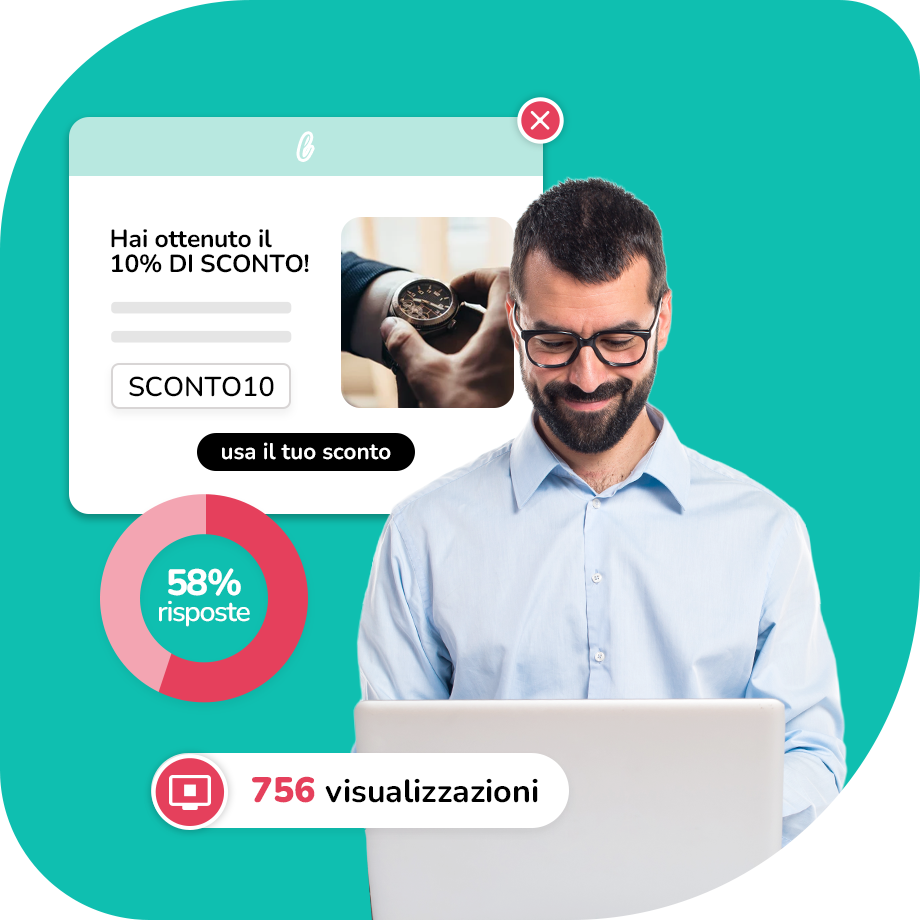
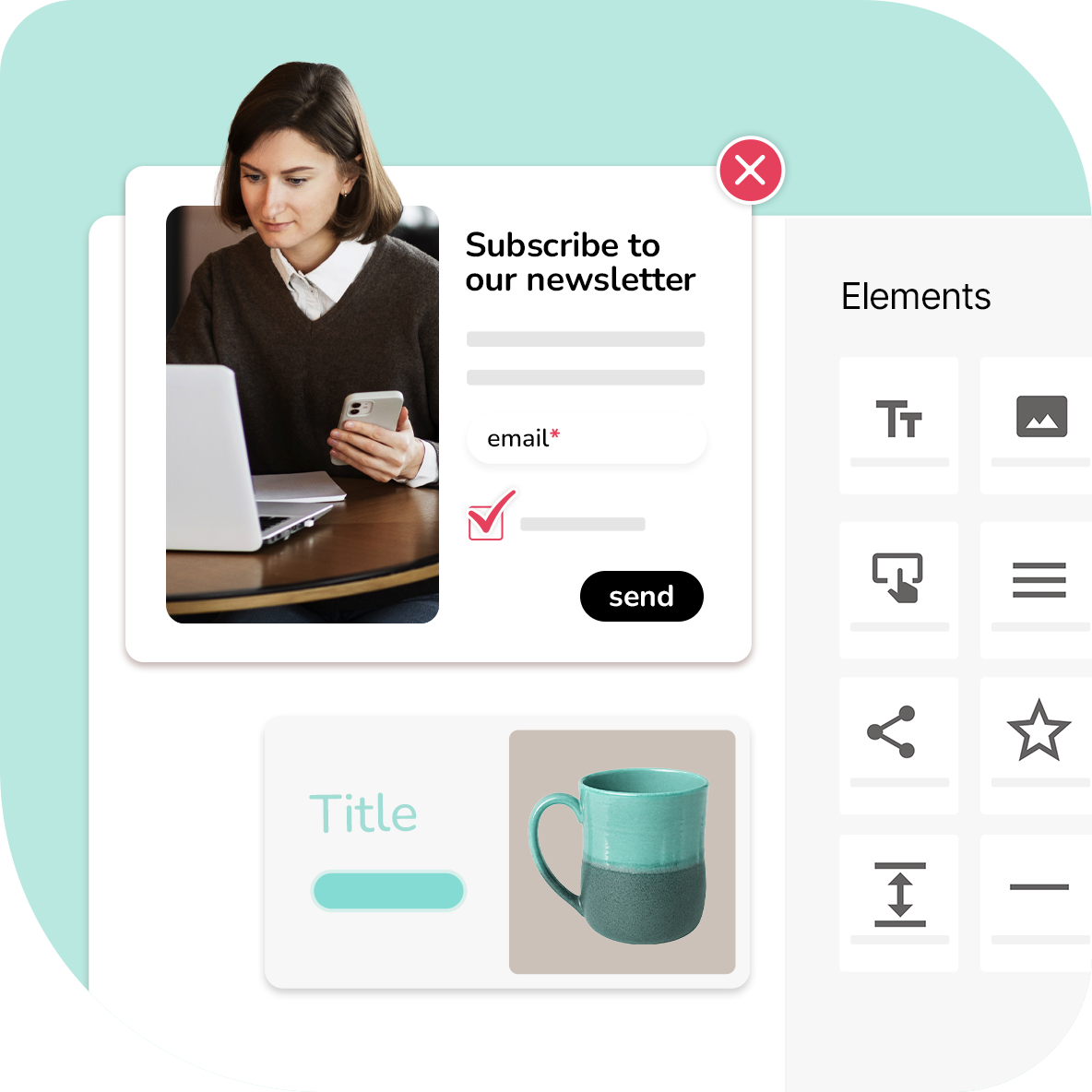
When users are on your site, pop up and stand out!
Pop-ups and banners work like this: they don’t drive traffic; they work with what you already have. The key is to engage them when it matters, with a message that makes sense and doesn’t feel like it’s just there for the sake of it.
The problem arises when these elements remain separate: graphics in one place, data in another, and campaigns elsewhere. With Magnews, they all come together within the same ecosystem of data, campaigns and automation.
Use cases
It’s not just about visibility: it’s about engagement.
Pop-ups and banners work best when they appear at the right moment!
Collecting contact details and newsletter sign-ups
Special offers and campaigns
Urgent communications
Recovering abandoned trolleys and re-engagement
Collecting consent and preferences
Promoting events, content or new products
Quick surveys and feedback collection
Le soluzioni di Magnews
Cosa puoi fare concretamente

Create them without wasting time
With a drag-and-drop editor and ready-made templates, you can launch pop-ups and banners in minutes, without having to open another tool or call someone every time.

They stay consistent with your brand
Fonts, colours, layout: everything stays in line with the rest of your communications. Which is useful, because a message that looks like it’s just ended up there by chance usually stands out.

Integrate them into your workflows
Pop-ups and banners don’t just sit on your site. They trigger journeys, update data and set actions in motion within your workflows.

Show the right message when it’s needed
Time, scroll, exit intent, behaviour: choose when to display the message and to whom, without resorting to trial and error.
Funzionalità concrete (AI inclusa)
Quando lavori sulla marketing automation, il punto non è avere più funzioni, ma avere quelle giuste, nello stesso posto.
Con magnews Q, l’AI entra nelle attività che usi ogni giorno: ti aiuta a scrivere, segmentare, leggere i segnali e far evolvere i flussi senza complicarti il lavoro.
Canali
Quando i canali lavorano insieme, si vede
Email, SMS, RCS, WhatsApp, survey, landing page, pop-up e canali personalizzati: ogni touchpoint entra nello stesso flusso e segue la stessa logica.
Non limitarti a inviare messaggi: costruisci percorsi più coerenti, dal primo contatto in poi.
Vuoi vedere
come funziona?
Scopri come la piattaforma può adattarsi al tuo modo di lavorare e supportare le tue attività, dalla gestione dei canali all’automazione delle comunicazioni.

You are a